
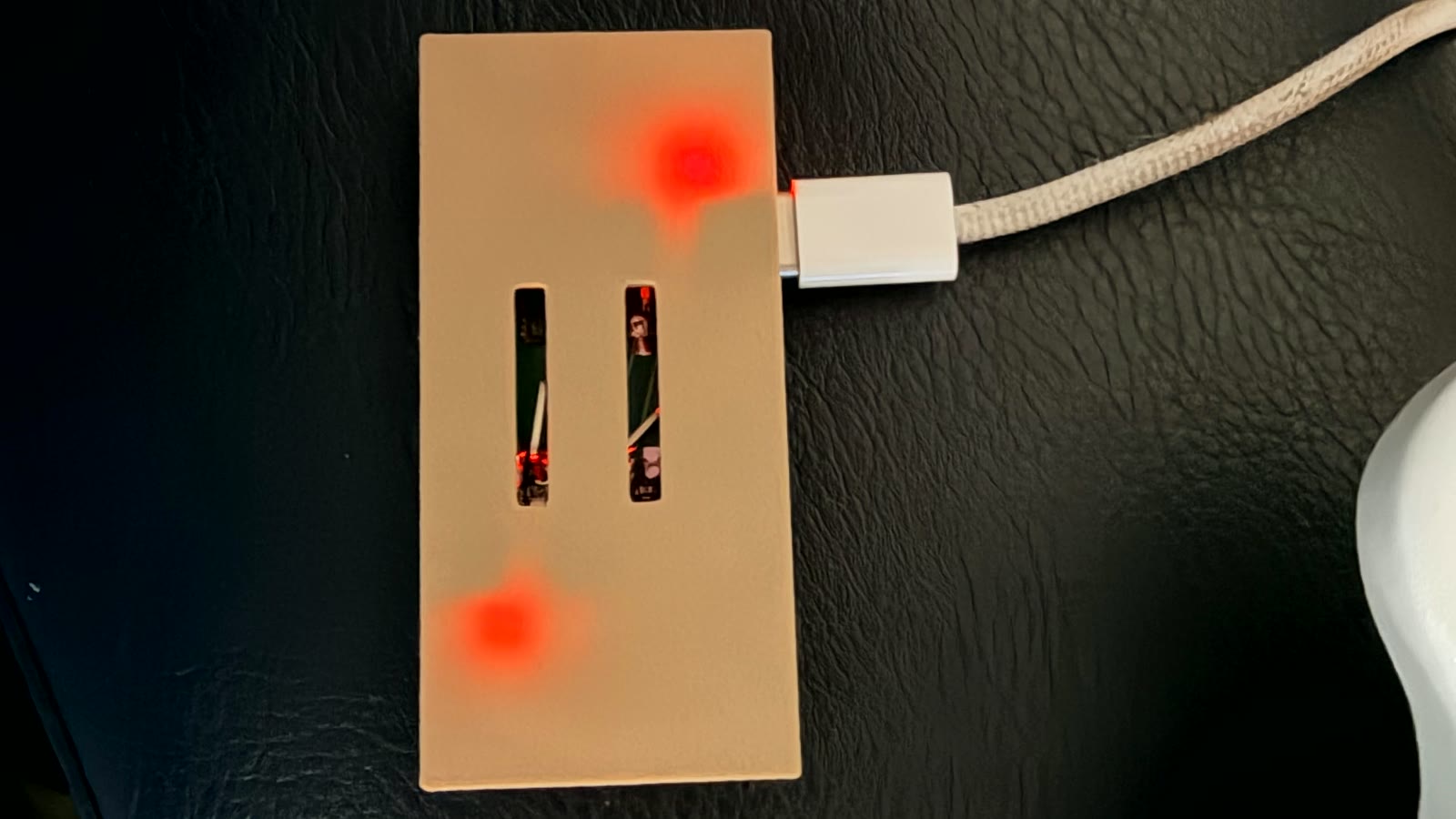
You got the box. You plugged it in. Now you're staring at two little boards, not really sure what they're supposed to do or what happens next. Totally normal. Here's the rundown.
Well, first of all, congrats, and I appreciate you trusting me enough to get your data flowing with my build.
So what's the purpose of this device? Basically it serves as a bridge between your CPAP and wherever you want your data to go: the CpapDash App, the cloud, or really any other app (like hms-cpap) that can pull the files off the WiFi SD card on your own network. The Miner reads the card, the Mule hands the data off. That's the whole job.
The bridge sets itself up
The first time you power the bridge, it makes its own little Wi-Fi network called CpapDash-XXXX. Connect your phone (or a laptop, anything) to that network and a setup page opens on its own. No app to install, no Bluetooth pairing, nothing to type in from memory.
On that page you pick your home Wi-Fi (it has to be a 2.4 GHz network), put in the password, and hit Connect. For most people that is the whole setup.
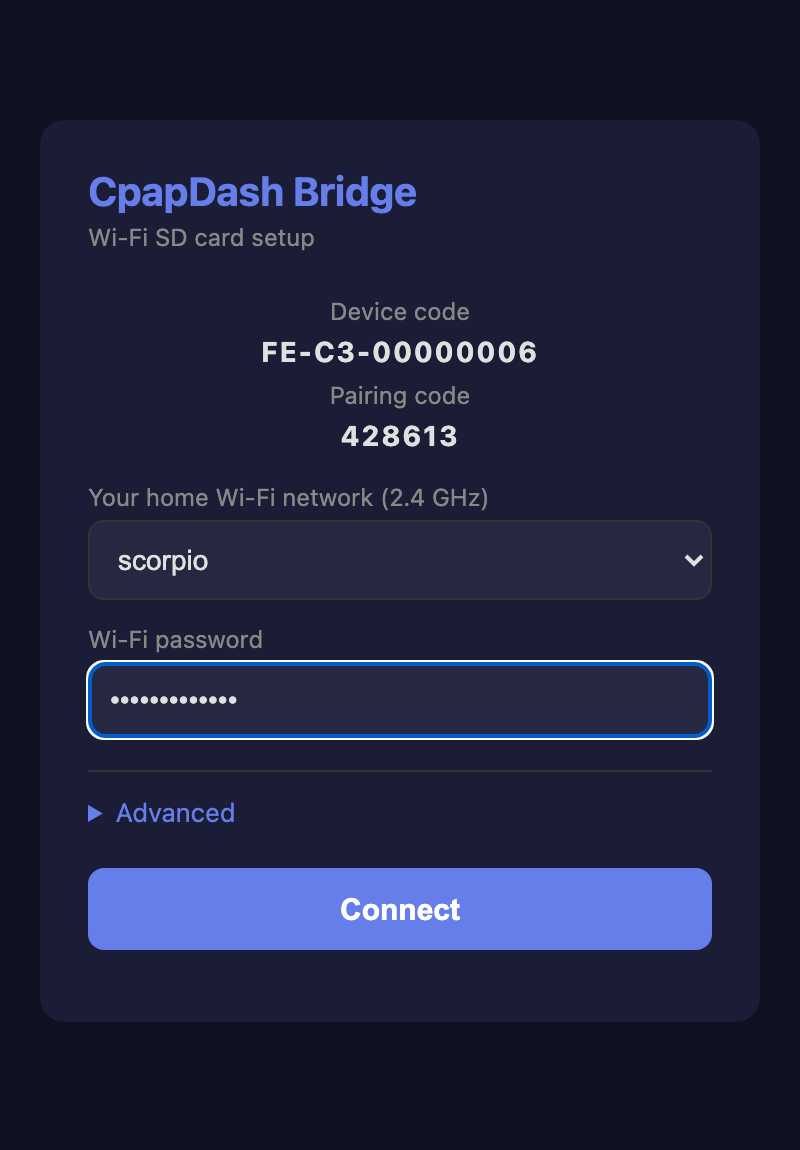
There's an Advanced section right there if you ever need it. That's where you choose how the bridge shares your files (more on that next), and where your ezShare SD card's Wi-Fi would go if you'd changed it from the factory default. Most people never open it.
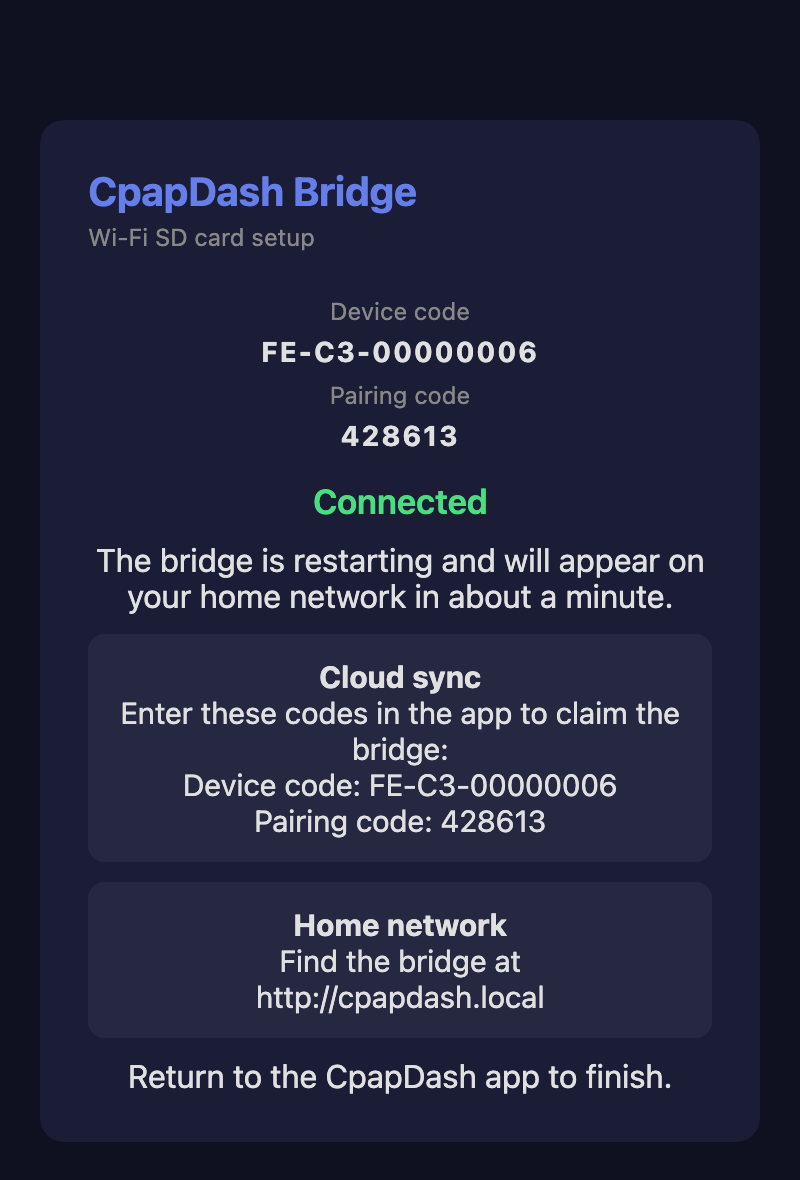
When it connects, the page confirms it worked, shows you the two codes you'll want in a second, and the bridge restarts onto your home network. Give it about a minute to show up.
Local or cloud, your call
This is the one real decision, and it lives under Advanced on that setup page. It defaults to cloud.
Home network keeps everything on your own network. The app reads straight from the Mule and Miner at http://cpapdash.local, and nothing gets sent out, not even to the CpapDash cloud. Pure privacy. If that's all you want, you're done right here, skip to the sleeping part.
Cloud sync sends your data to your own private profile on cpapdash.com. You create a free account, and from then on it lives there until you decide to download it and wipe it. The upside is you can get to your nights from anywhere, even when you're away from home and your phone is nowhere near the device.
Claim it to your account
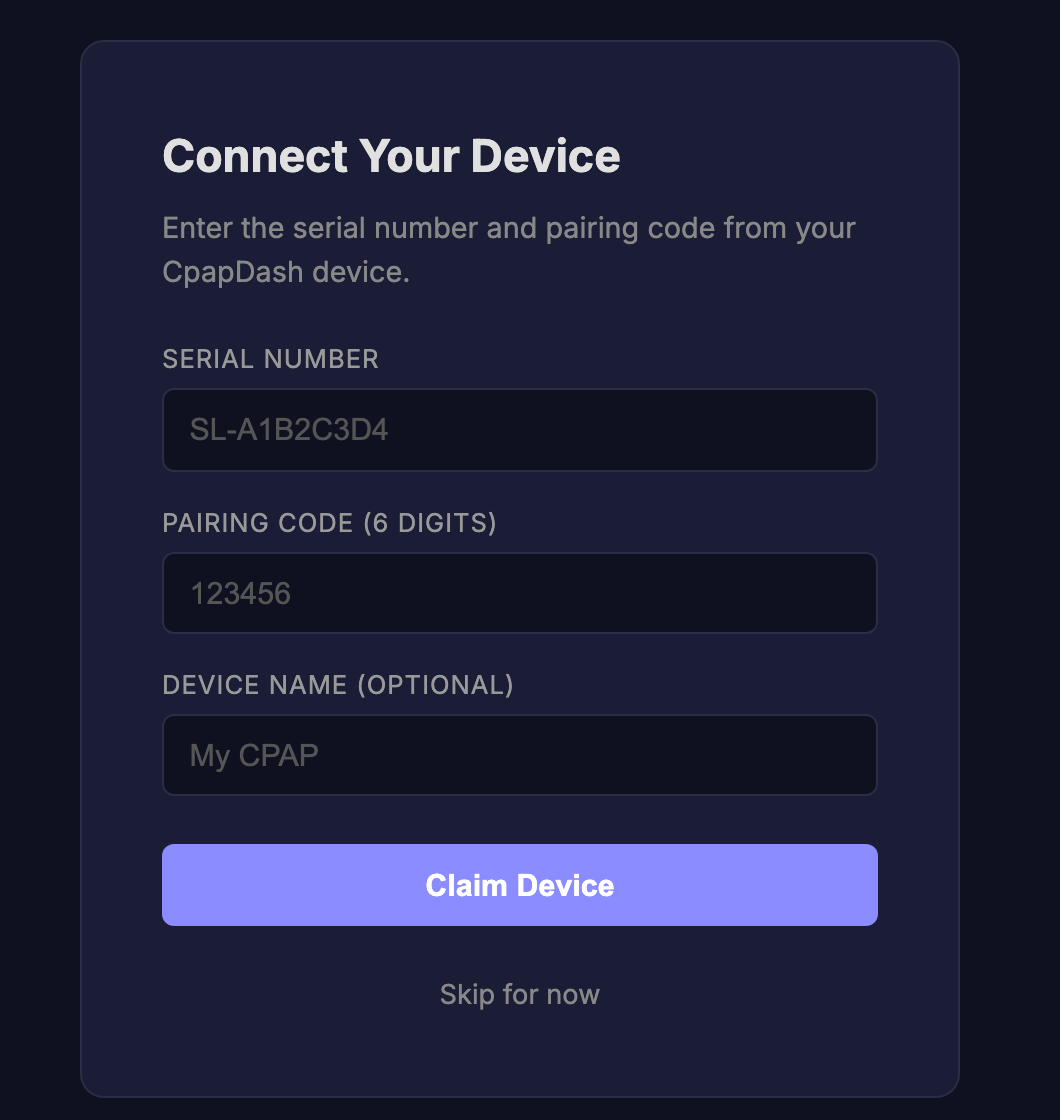
If you went with cloud, the last step is linking the bridge to your account. Head to cpapdash.com, open the Devices tab, and punch in the device code and pairing code the setup page just showed you (they're also on the sticker that came in the box). One tap and it's linked.
Got an older bridge?
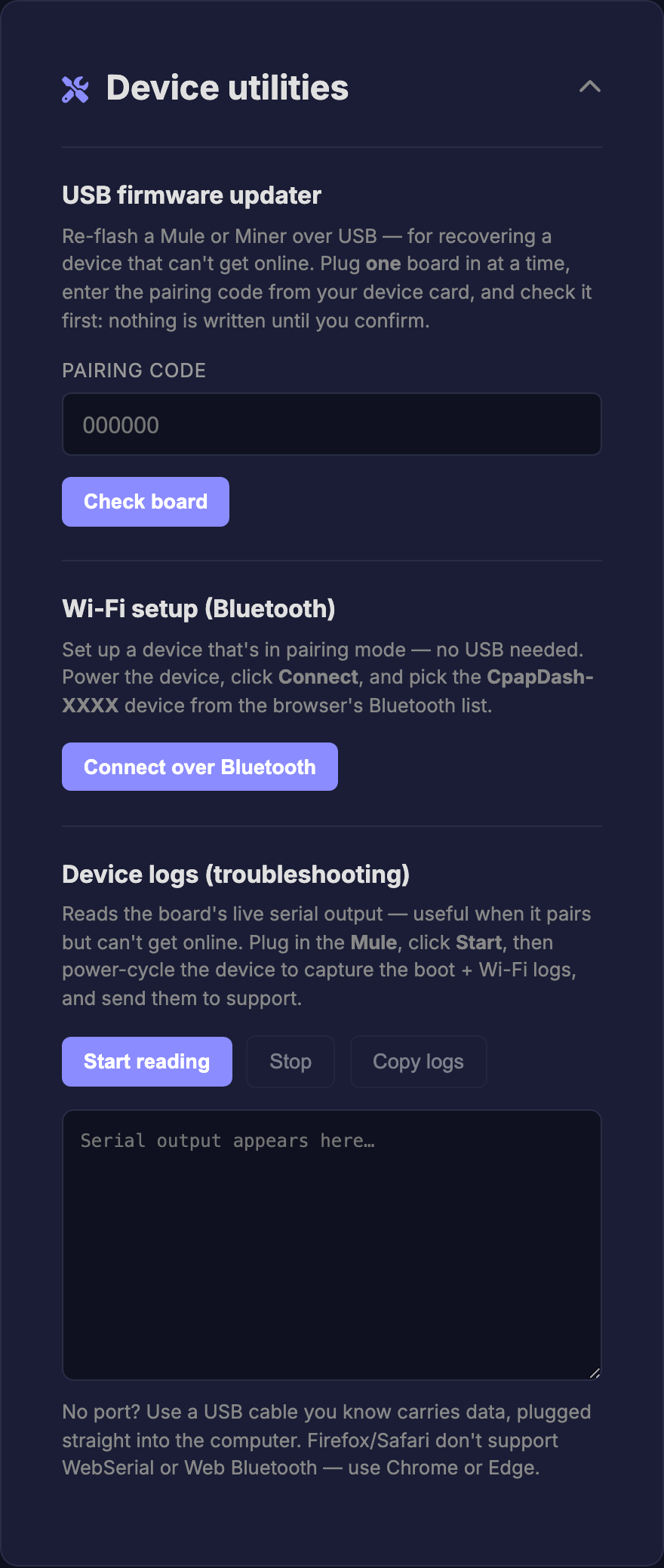
Bridges from the earlier batches (and any bridge you factory-reset) onboard over Bluetooth instead of the setup page above, and that lives on the web too. On cpapdash.com, open the Devices tab, expand Device utilities, and use Wi-Fi setup (Bluetooth) from Chrome or Edge on a computer: power the bridge, click Connect over Bluetooth, pick CpapDash-XXXX from the list, and hand it your Wi-Fi. Same result, same two modes.
Then just sleep
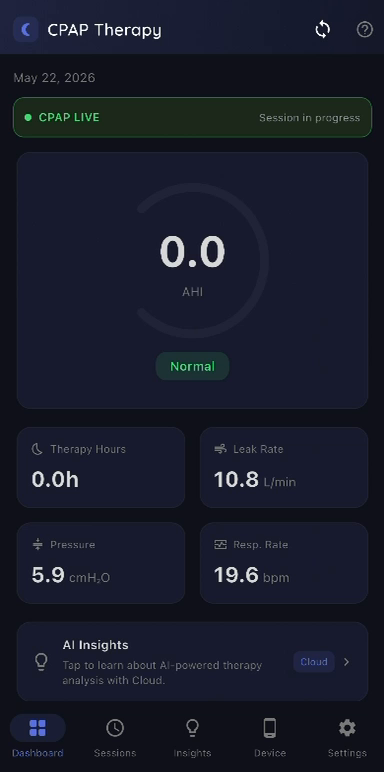
Either way, the magic is the morning after. You open the app and last night is just there: AHI, pressure, leak, events, oxygen, all of it, with nothing for you to plug in or import.
Your other main responsibility is to sleep. Seriously.