
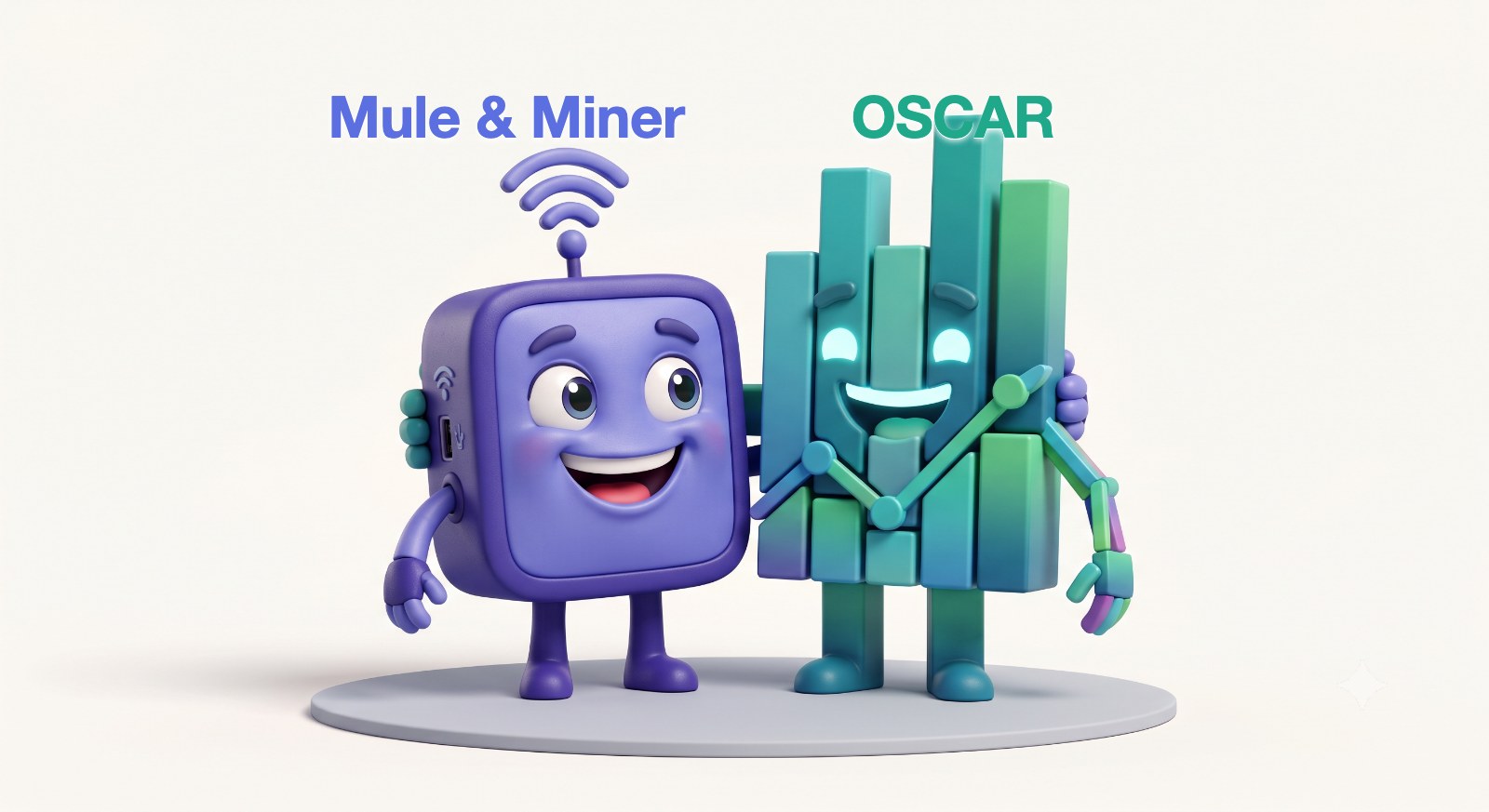
Wait, what? How does OSCAR get fed through the Mule & Miner, you may ask? And you'd be asking exactly the right question. Let me explain.
The Mule & Miner sits next to your CPAP, maybe out on the nightstand showing off its shape, maybe hidden in a drawer quietly turning your machine into a WiFi device. Either way, every night it puts your data on your home WiFi. From there, getting it into OSCAR is easy, and you have two ways to do it.
The easy way: download it from your phone
Plug in the Mule & Miner, create a free CpapDash account, and it syncs your data every night. Then, right from your phone's browser (Safari, Chrome, Edge, whatever you use), you download all of it straight into the folder OSCAR is watching. Open OSCAR and it's already there. No PC round trip, no card readers, no sneakernet.
That's it. Plug in the Mule & Miner, create your free account, and every night's data is sitting there ready to pull down.
Prefer fully local, no cloud at all?
If you'd rather keep everything on your own machine without even an account, that is exactly what HMS-CPAP is for. Install it on your Mac, Windows, or Linux box, point it at the Mule & Miner, and it mirrors your data into a local folder OSCAR reads, plus gives you a local web dashboard. We walk through that whole setup in What if you just want your data in OSCAR?.
Which machines this works on
ResMed AirSense 10, AirSense 11, AirCurve 10 and AirCurve 11. Those are the machines the Mule & Miner is demonstrated on, and they are the ones we support.
We used to say this worked on any machine that writes to an SD card, on the logic that reading a card over WiFi is the same job whatever wrote it. That turned out to be wrong. The ez Share card has to be powered and driven by your CPAP's own SD slot, and that part is very much brand-specific. Several Lowenstein Prisma machines have been shown to fail outright, throwing error 601. Philips has not been tested and we are not going to claim it.
One thing to check before you buy: your REF number, on the label underneath the machine. AirSense 11 REF 39517 has severe power limitations on its SD card slot and often will not run a WiFi SD card at all.
If your machine isn't on the list, tell us at cpapdash.com/support. We would rather hear about it than sell you something that doesn't work.