

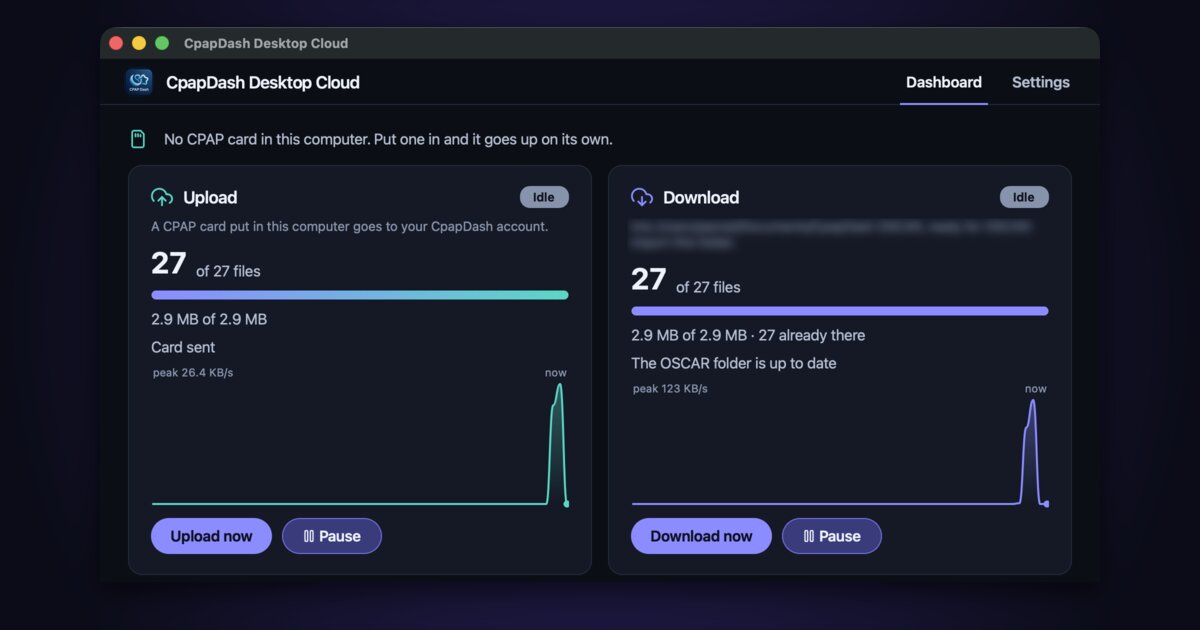
Very proudly introducing one more tool in the CpapDash arsenal: CpapDash Desktop, for convenient, automatic uploads and downloads from your own PC.
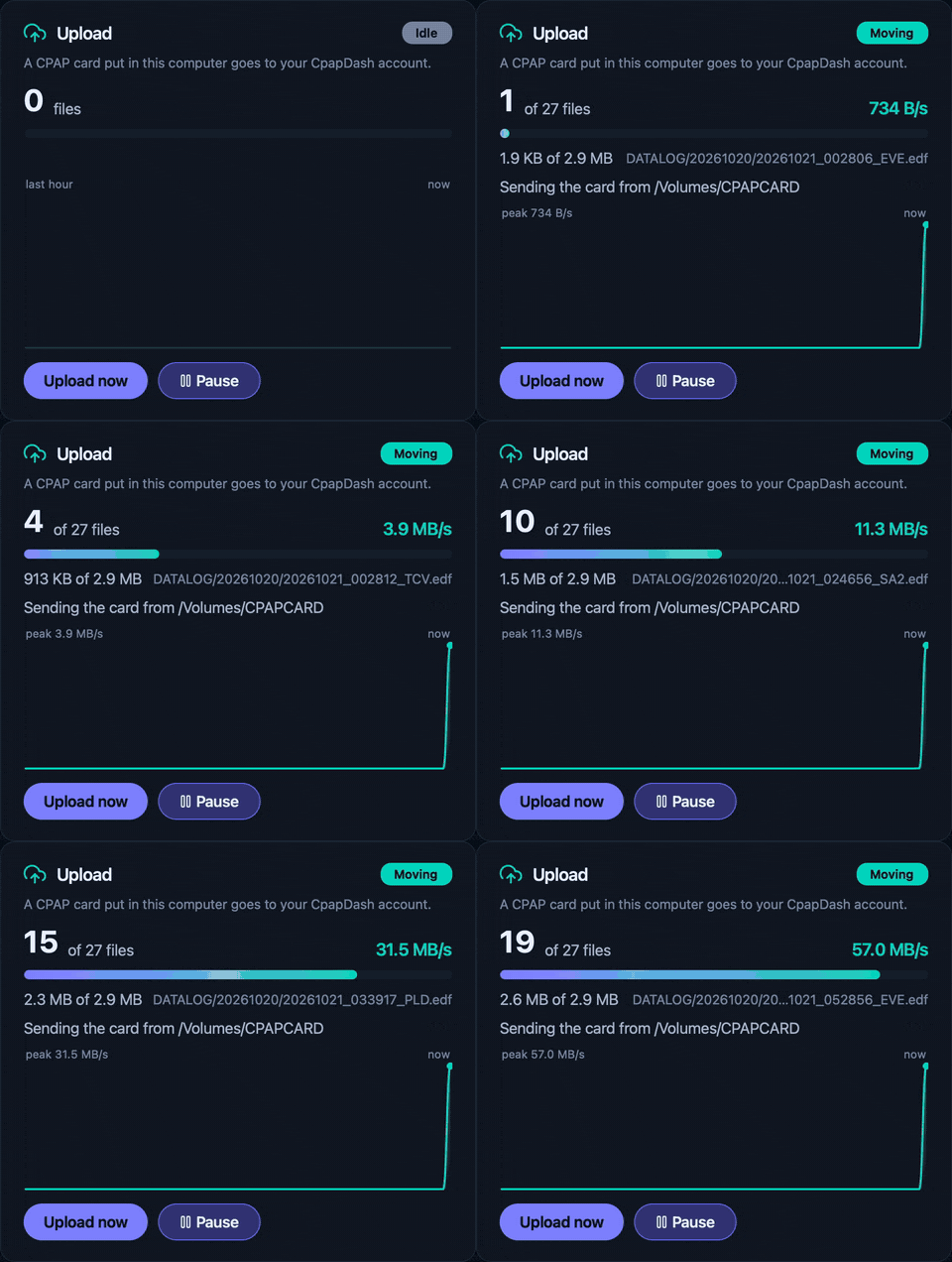
Yes, you heard that right. Keep CpapDash Desktop open, log in to your account, set your download location, and you are done. The next time you put your card in, boom, your data is in your CpapDash app. It works for ResMed, Lowenstein, Luna and Sefam.
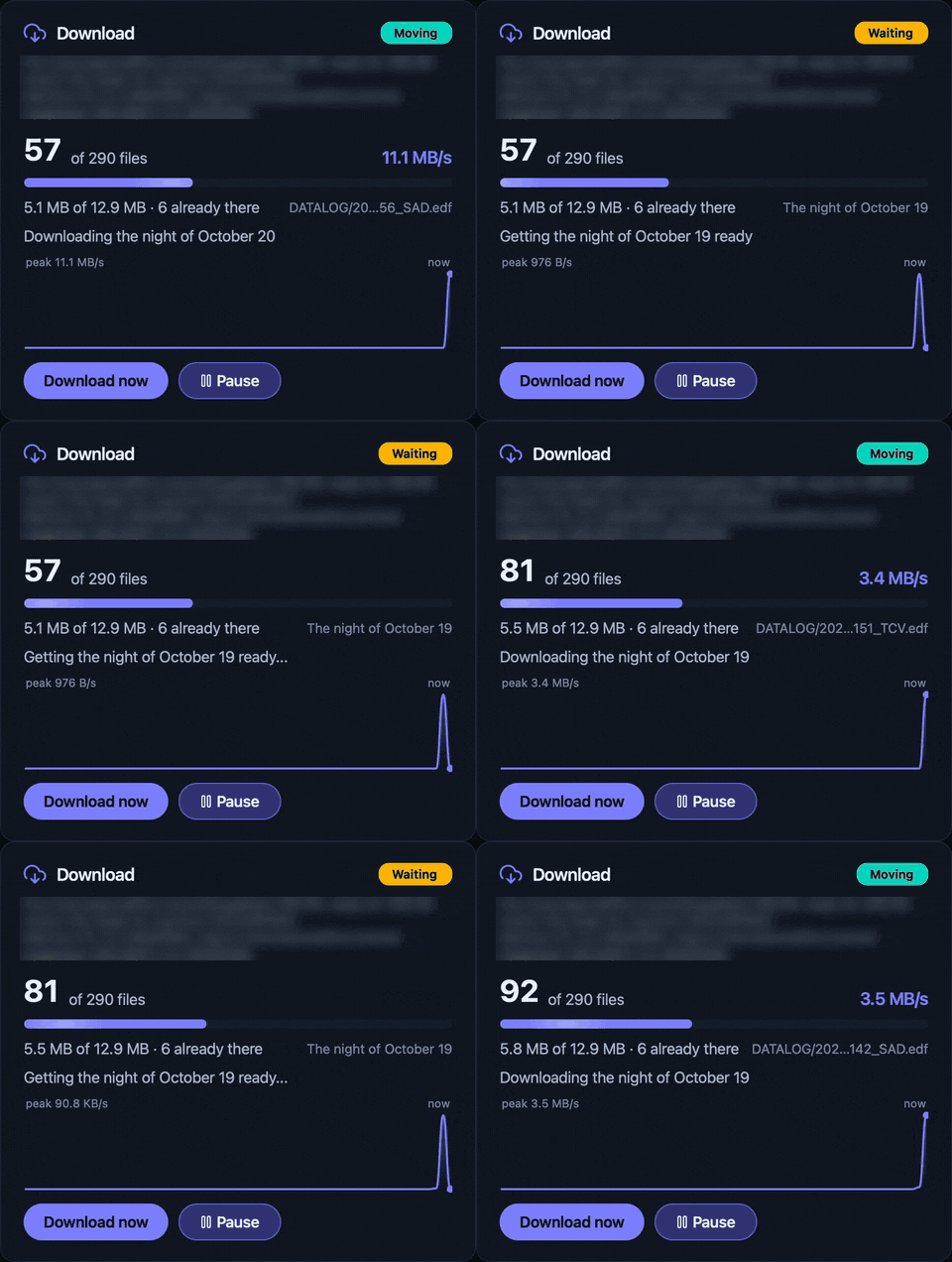
If you own a Mule & Miner today, or are thinking about getting a Sleep Bridge Cloud, CpapDash Desktop will sync your data into your PC automatically. It will literally be like this: you wake up, and while you get your coffee ready (or while it makes itself once your coffee machine knows your mask is off; yes, you can totally do that today with CpapDash automations if your coffee machine is smart), boom, OSCAR is already showing your latest night. No manual download, no copying into a folder yourself, no nonsense.
Check out CpapDash Desktop today, available on our website for Windows and macOS. And stay tuned, there's more on the way for your convenience.