

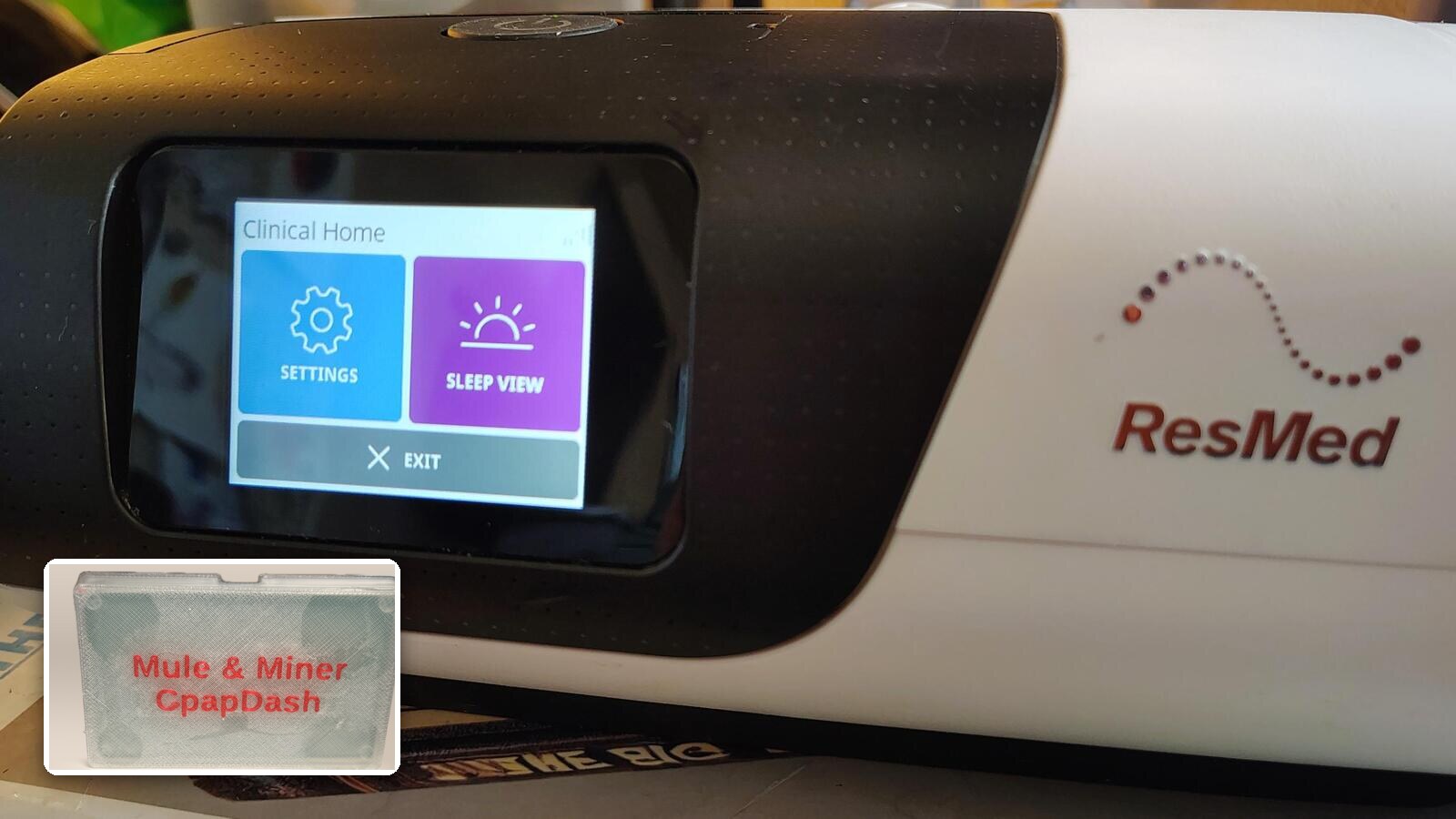
The ResMed AirSense 11 has a Bluetooth connection of its own. It is the one the myAir app uses to show you last night on your phone. From firmware 5.0.0, the Mule & Miner can use that same connection, and stream your whole night to CpapDash while you sleep.
Before you start
- A Mule & Miner on firmware 5.0.0. The Devices page shows the version under your bridge; if it offers an update, take it first.
- An AirSense 11.
- Your machine in the room with the Mule & Miner, as it is today.
One thing to know first
Your machine can only be paired with one device at a time. If you use the myAir app over Bluetooth today, pairing the Mule & Miner takes that connection, and your myAir app on the phone is disconnected from the machine.
Your myAir profile online keeps working if your machine sends its reports over its own modem. That does not change.
Step 1: turn on Bluetooth for your bridge
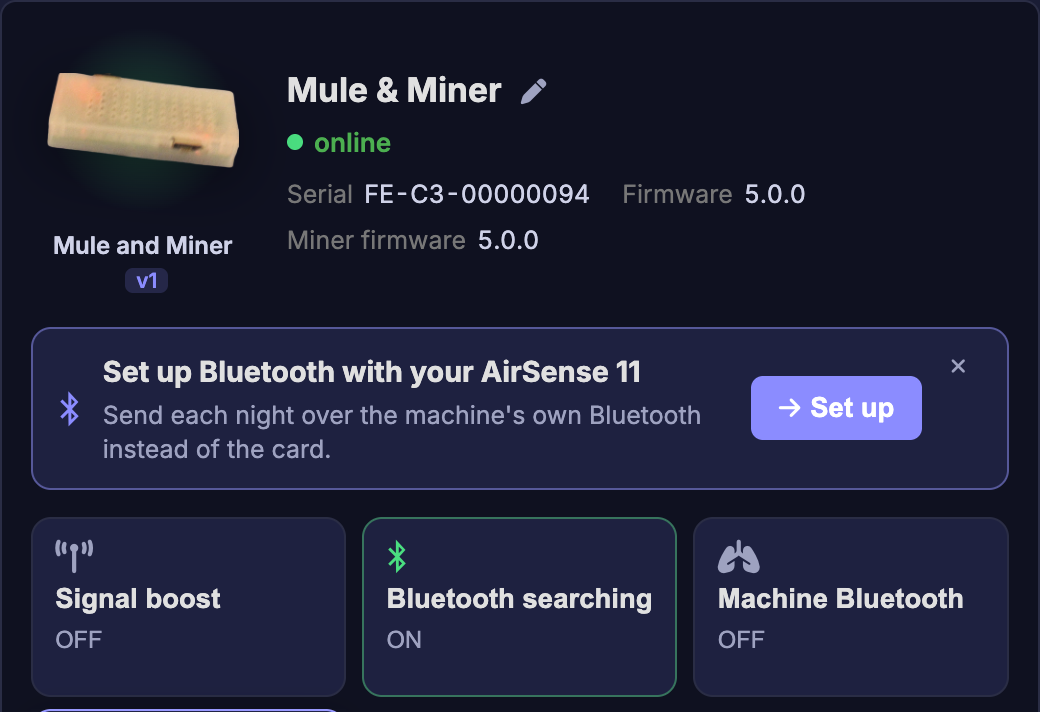
In CpapDash, open Devices and find your Mule & Miner. Under Set up Bluetooth with your AirSense 11, press Set up.
Then press Use Bluetooth.
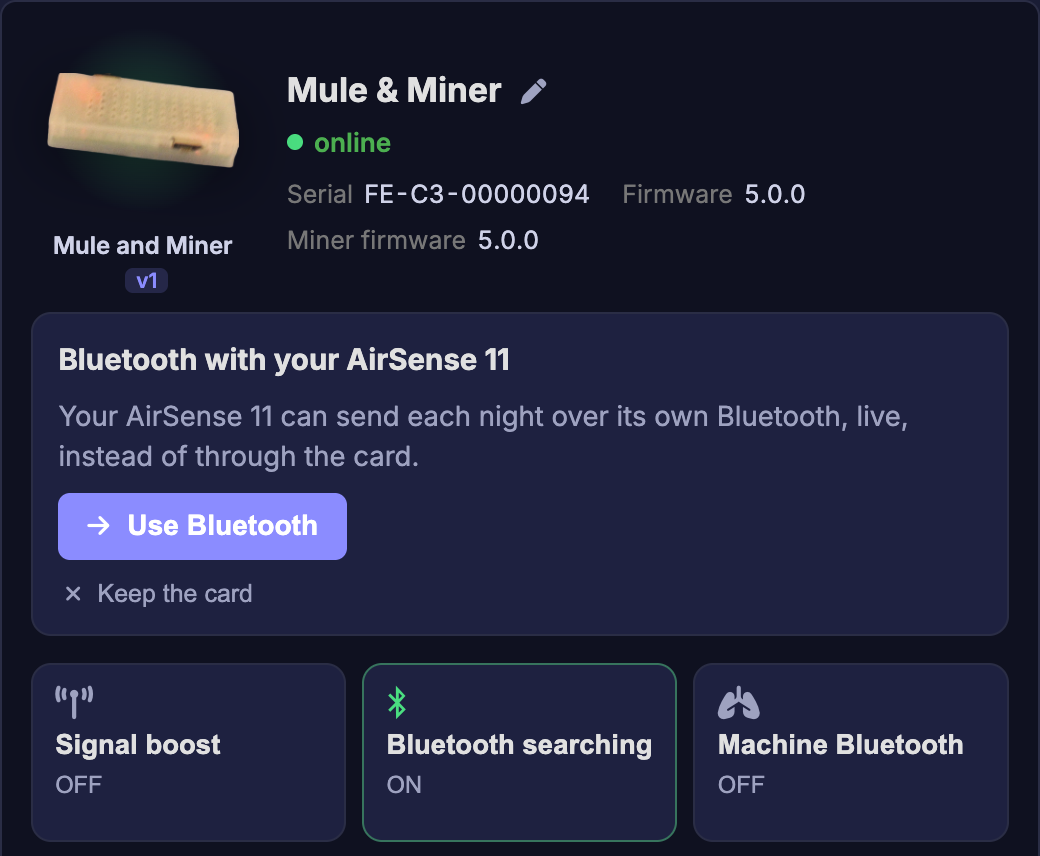
The bridge restarts to switch over. In this mode it does not read the card any more, so it needs a minute to come back.
Step 2: get the code from the machine
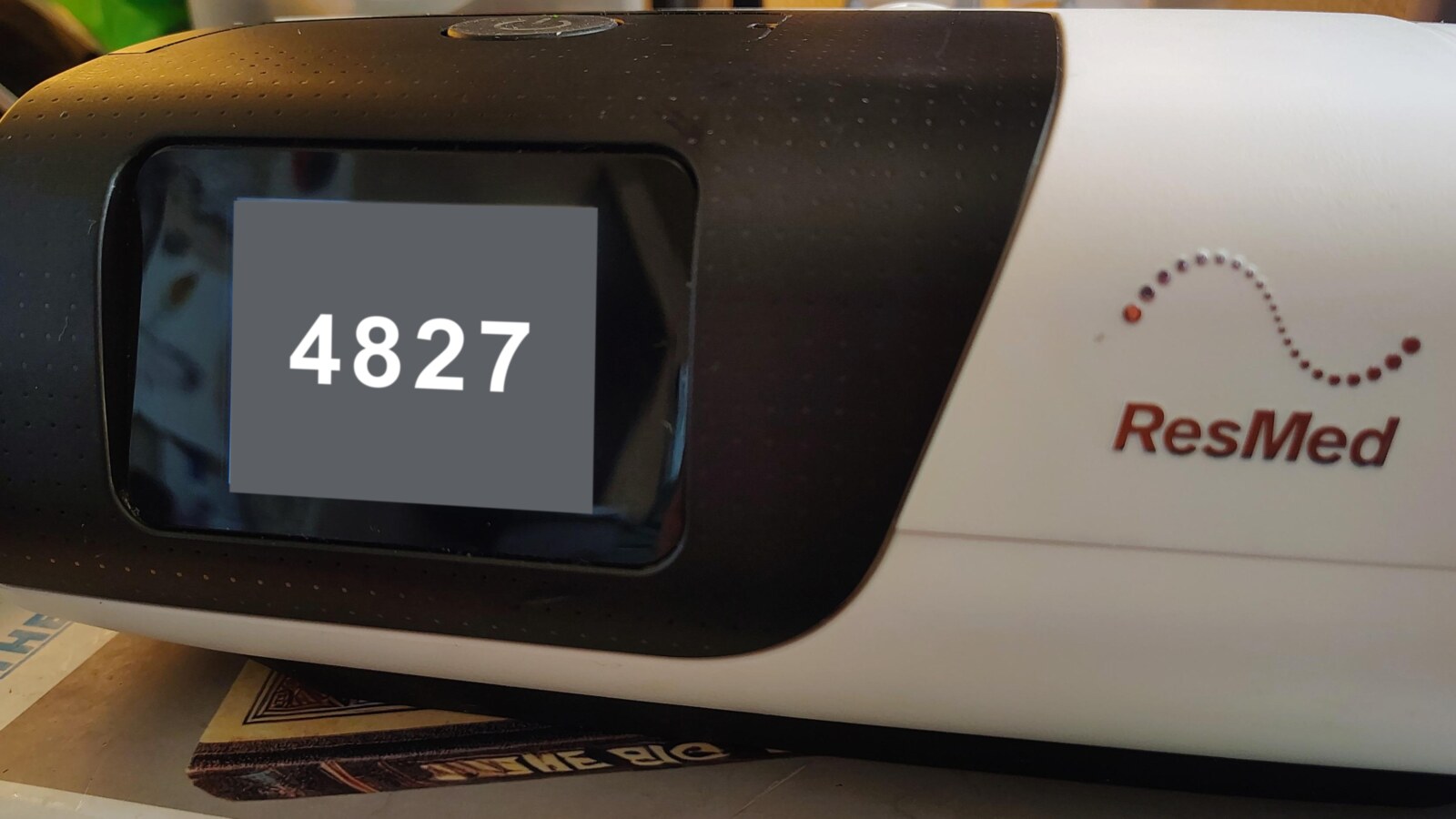
On the AirSense 11, open My Options, then More, then myAir app. The machine shows a code on its screen for about two minutes.
The menu may be named slightly differently depending on the software version your machine runs. If you do not see it there, look for its myAir or pairing option.
Step 3: type the code in CpapDash
Back on the Devices page, type the code exactly as it shows on the screen and press Pair. When the line under Pair with the machine says Paired, you are done.
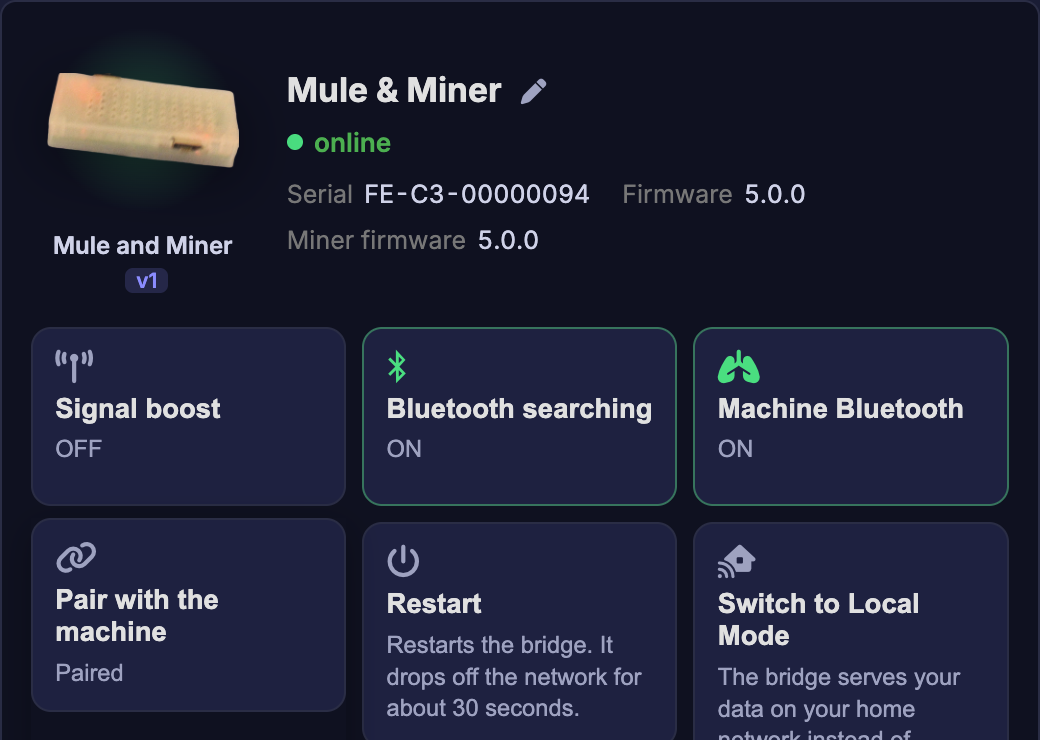
If the code runs out before you type it, open My Options, More, myAir app again: the machine shows a new one.
What to expect from your night
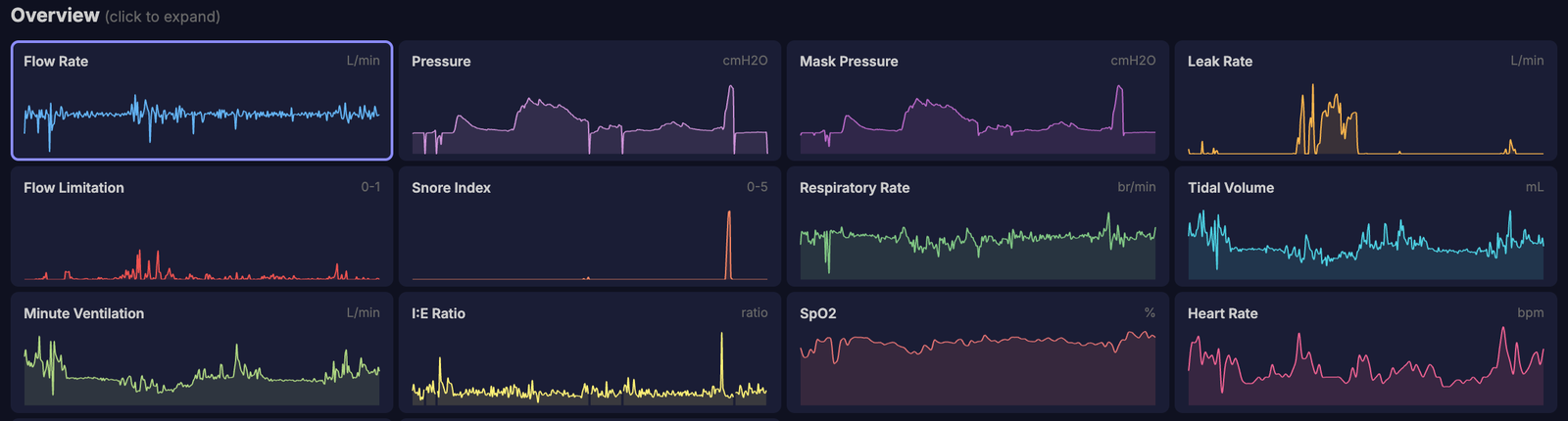
- While you sleep, the machine streams your flow and pressure to the bridge, and the bridge passes it on to CpapDash as it comes. Your charts fill in through the night.
- When you take the mask off, the machine's own summary for the night arrives: usage, AHI, leak, pressure. These are the same numbers your machine shows you.
- Your SpO2 ring keeps working on the same Mule & Miner, alongside the machine.
- Your SD card still gets every night written to it, exactly as before. The Mule & Miner does not need to read it any more, and it is a good fallback if your home WiFi ever has a hiccup during the night.
Going back to the card
On the Devices page, turn Machine Bluetooth off. The bridge restarts and goes back to reading your card, as it did before. To use the myAir app on your phone again, pair it from My Options, More, myAir app, as you did the first time.